Pick up where you left off
Resume movies and episodes across paired screens with progress stored by your server.
Continue WatchingPlayback history
A modern, self-hosted home for your movies, shows, and live channels—served by Tater Tube Server and made for the biggest screen in the room.
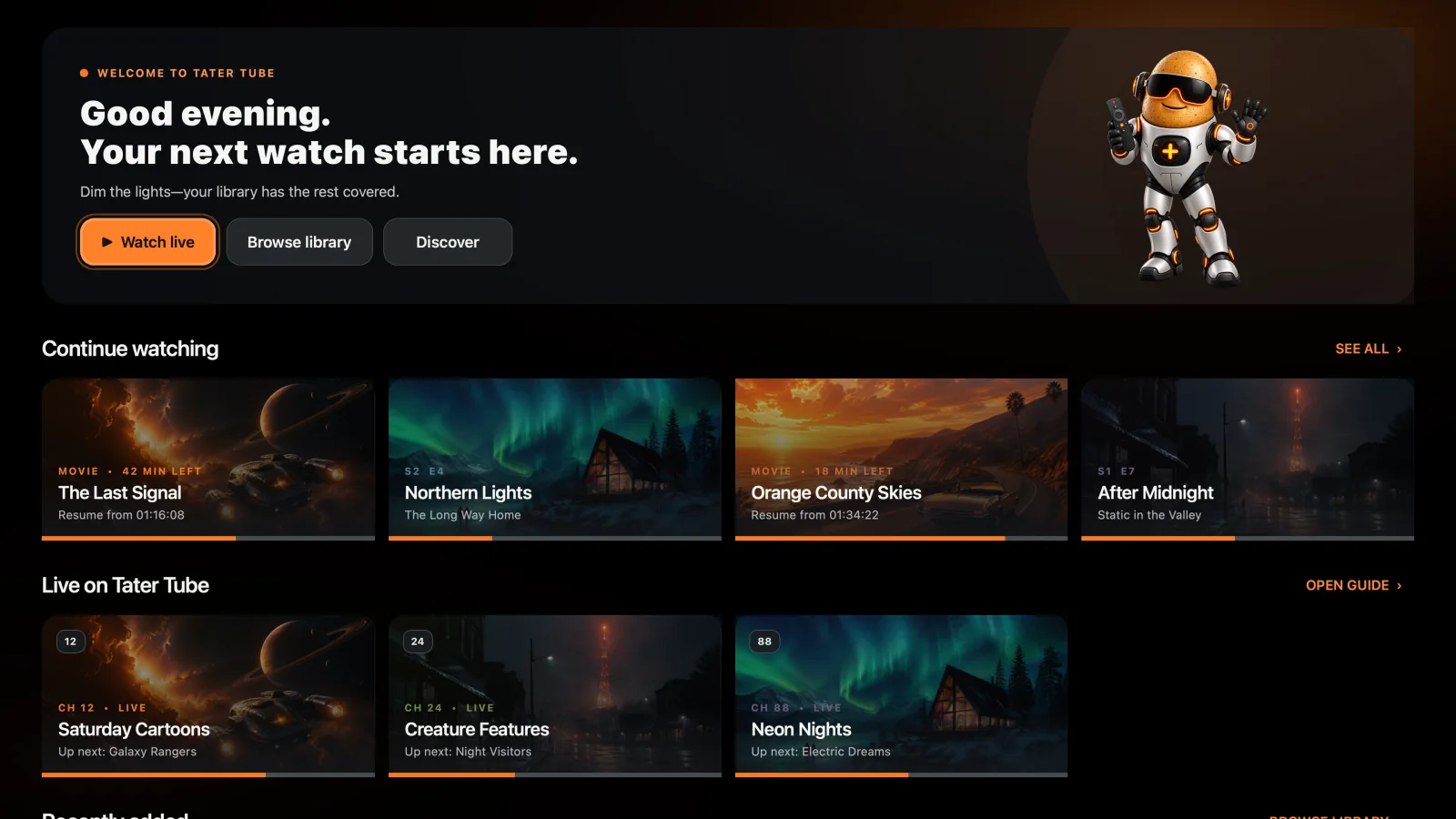
Tater Tube Player keeps the things you watch most within a few controller clicks, with artwork-forward browsing and clean playback controls built for the couch.
Resume movies and episodes across paired screens with progress stored by your server.
Move through movies, TV shows, folders, seasons, and episodes without leaving the player.
Watch server-built Tube TV channels with guide data, bumpers, station IDs, and commercial breaks intact.
Artwork, progress, live schedules, and search stay clear from across the room. Every surface is designed for a controller or TV remote first.
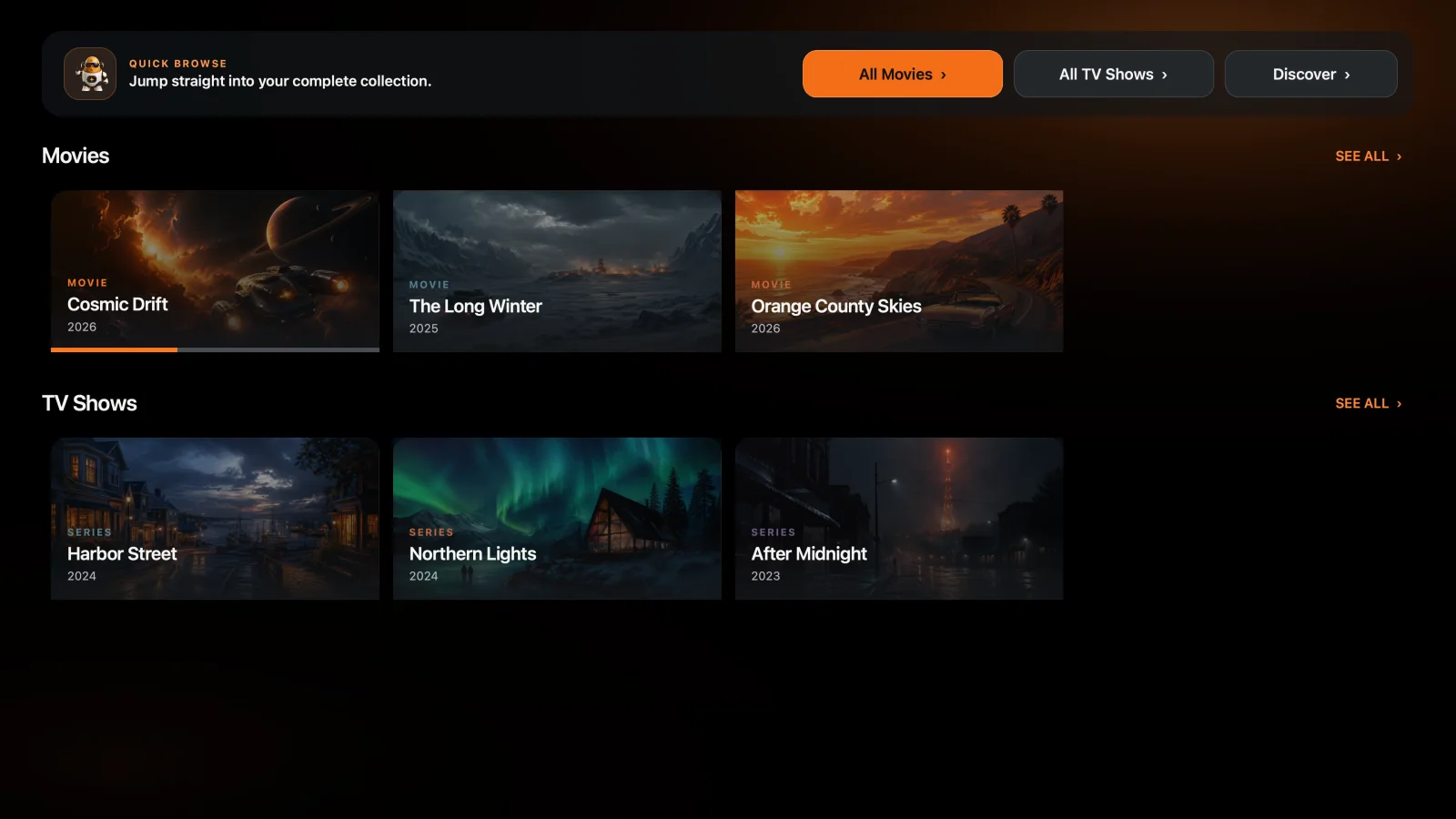
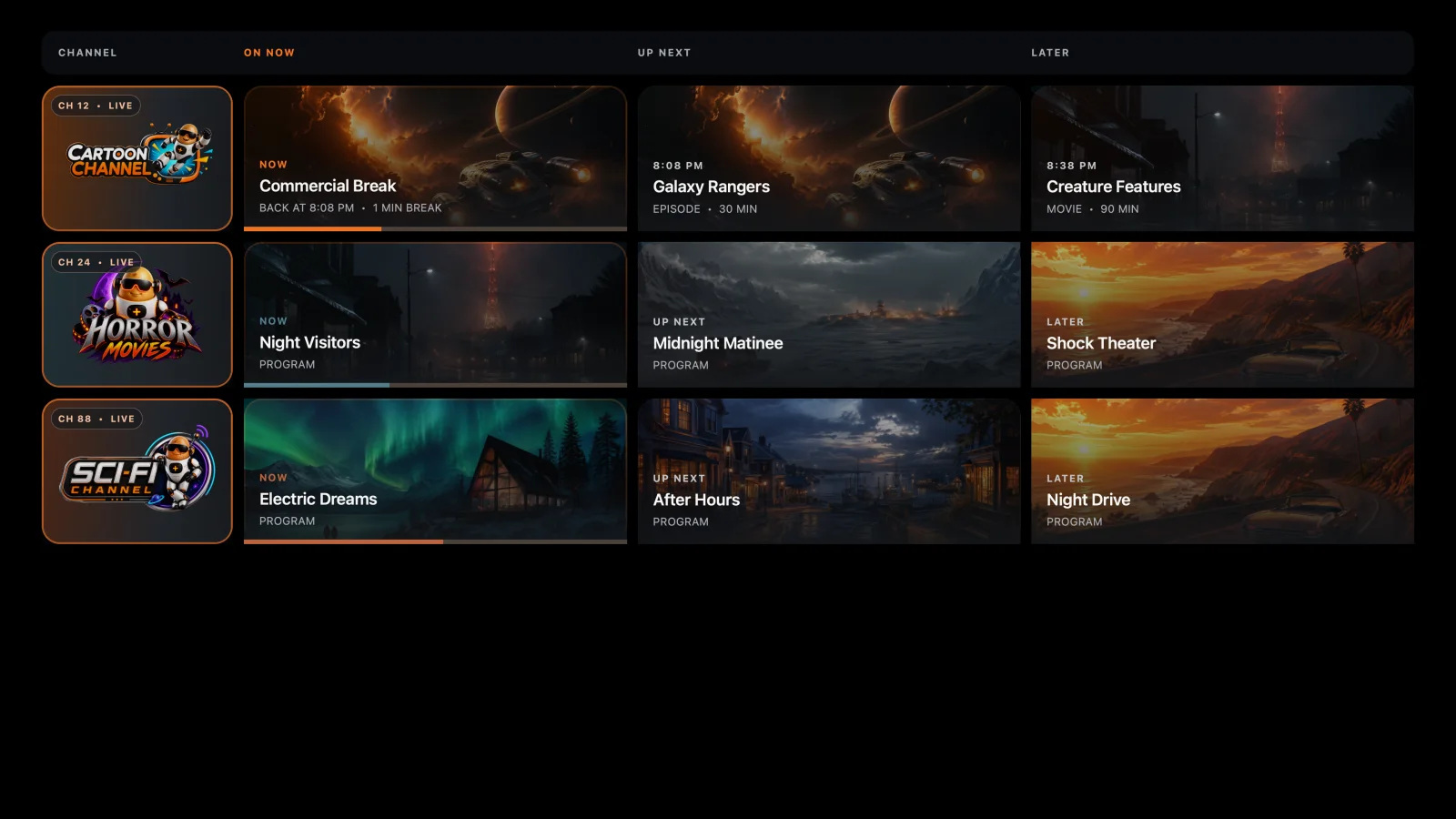
Tater Tube Server scans your movies and shows, resolves artwork, remembers playback, builds your Tube TV schedule, chooses direct play or transcoding for each screen, and can enhance compatible lower-resolution video with optional AI upscaling.
It is a complete self-hosted media platform—not another skin over Plex, Emby, or Jellyfin.
Choose the native Mac app or map local media into Docker, then serve it directly from your own hardware.
Turn movies and series into scheduled channels with guides, bumpers, station IDs, and commercial breaks.
Use direct playback when the device supports it and server transcoding when it does not.
Connect players with a short PIN and keep progress synchronized by the server.
Auto Detect matches local GPU-accelerated models to your hardware, with automatic fallbacks that keep playback moving.
The shared server contract keeps libraries, playback, and live channels consistent while each client feels native to its platform.
The controller-first Qt player is coming to Steam. Wishlist it now and follow the Steam page for release updates.
Download the native player free from the App Store for Apple TV running tvOS 18 or later.
Download the native player from Google Play for Google TV and Android TV, with remote-first browsing and playback.
Choose the VCR-style 240-MP interface on Steam/Linux, a Pi 4 CRT, or a Pi 5 HDMI setup. Tater Tube Retro brings together Game Center, PC Link, Public Access, Tape Deck, and the complete retro module lineup.